Featured lab · 3D spectrogram
Subtractive Synth, Three-Axis View
Two oscillators · resonant lowpass · twin ADSRs · spectrogram waterfall with time as the third axis.
Component 4 · Ableton Live 12 · 12 devices (growing)
Effects & Processors
When the exam describes a sonic problem in examiner vocabulary, which Ableton device should you reach for, and what does it sound like? Click the front card for past-paper context, key controls, and the misconception trap.
Shape & Space · Corrective + spatial tools · 6 devices
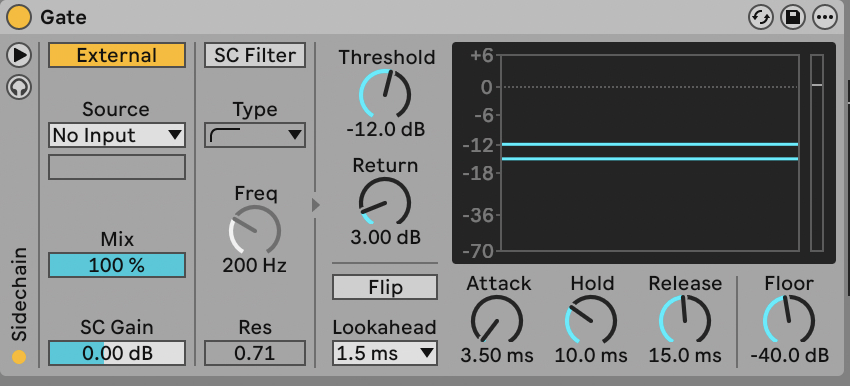
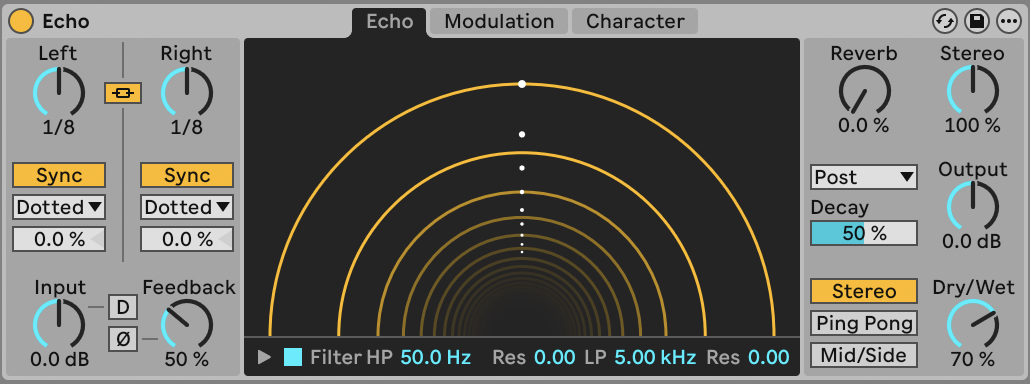
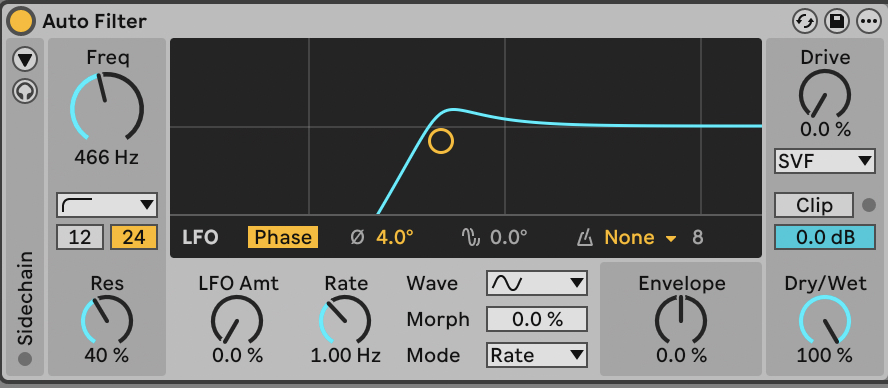
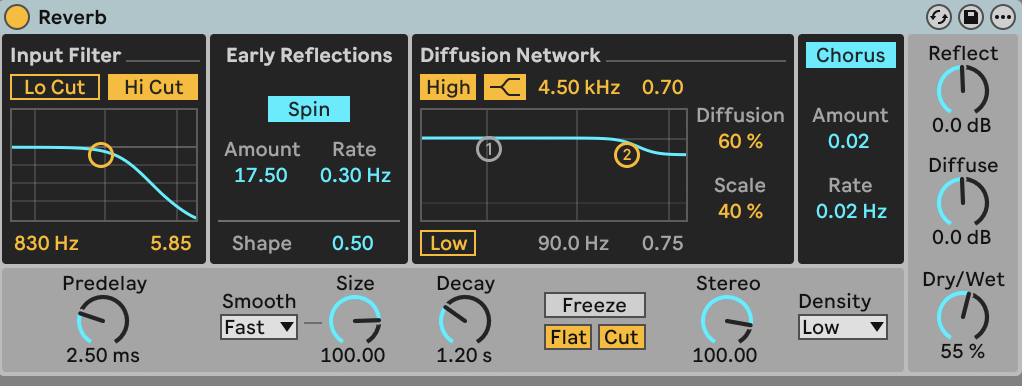
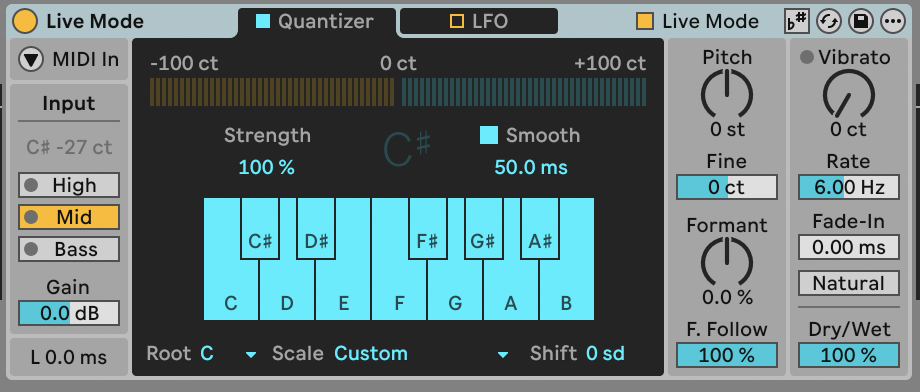
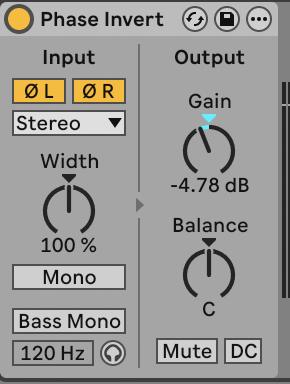
Hover the front card to A/B the audio (Dry ⇄ Wet) · click it for examiner detail · ←/→ to browse · ESC to close
Confusables
The pairs students mix up — tell them apart by ear
Play both wets back to back. Each card names the tell — the one listening cue that separates them in a 1-mark identify question.
Chorus or Flanger?
A-Level 2020 Q1a gave 1 mark for hearing "flange" on a cymbal. This is that mark.Both are modulated short delays — but only one comb-filters.
Chorus-Ensemble
The tellLonger modulated delay, no comb filtering — the sound gets THICKER and WIDER but stays itself. One voice becomes a small group.
Phaser-Flanger (Flanger)
The tellSHORT delay with feedback → a comb filter. A metallic, jet-plane notch SWEEPS up and down through the sound. If it whooshes, it flanges.
Saturation or Distortion?
Mark schemes reward the contrast: saturation = subtle warmth/glue; distortion = audibly broken. Name which one you mean.Both add harmonics by driving the signal — the difference is how far.
Saturator
The tellGentle harmonic thickening — the source is still recognisably itself, just warmer and heavier. If you have to listen twice, it's saturation.
Pedal
The tellAggressive clipping — the sound is audibly broken, buzzy, transformed. OD / Distort / Fuzz modes go from grit to total fuzz.
[SRC] Ableton ↔ Logic bridge production techniques · Live 12 assessment & exam techniques · past papers as cited on each card (2019–2024, incl. the 2023 PEF reverb-automation note) · audio A/B pairs are the same source bounced dry and through the named Ableton Live 12 device — and shown in both DAW views, because an effect’s character is the same tool to tool; the Logic tab swaps the screenshot and control names to match your DAW.